
The Australian Essential Eight Explained: What It Is, What It Means, and Where to Start
If you work in IT or security at an Australian organisation, you’ve almost certainly heard of the Essential Eight. It comes up in government tenders, board risk discussions, audit reports, and vendor pitches — often with more confidence than clarity.
This article explains what the Essential Eight actually is, what the maturity levels mean in practice, and how to think about it if you’re trying to figure out where your organisation sits.
What is the Essential Eight?
The Essential Eight is a set of baseline cybersecurity mitigation strategies developed by the Australian Signals Directorate (ASD) — the same agency that produces the Australian Cyber Security Centre (ACSC) advisories you may have seen.
It was designed to help Australian organisations — particularly government agencies and their suppliers — prioritise their security efforts against the most common types of cyberattacks. The strategies aren’t theoretical. They were derived from ASD’s own experience responding to real incidents and watching how attackers actually operate.
The core idea is straightforward: if you implement these eight things properly, you’ll stop the vast majority of attacks that target Australian organisations.
That’s a significant claim, and it’s largely accurate — with the caveat that “implement properly” is doing a lot of work in that sentence.
The Eight Controls
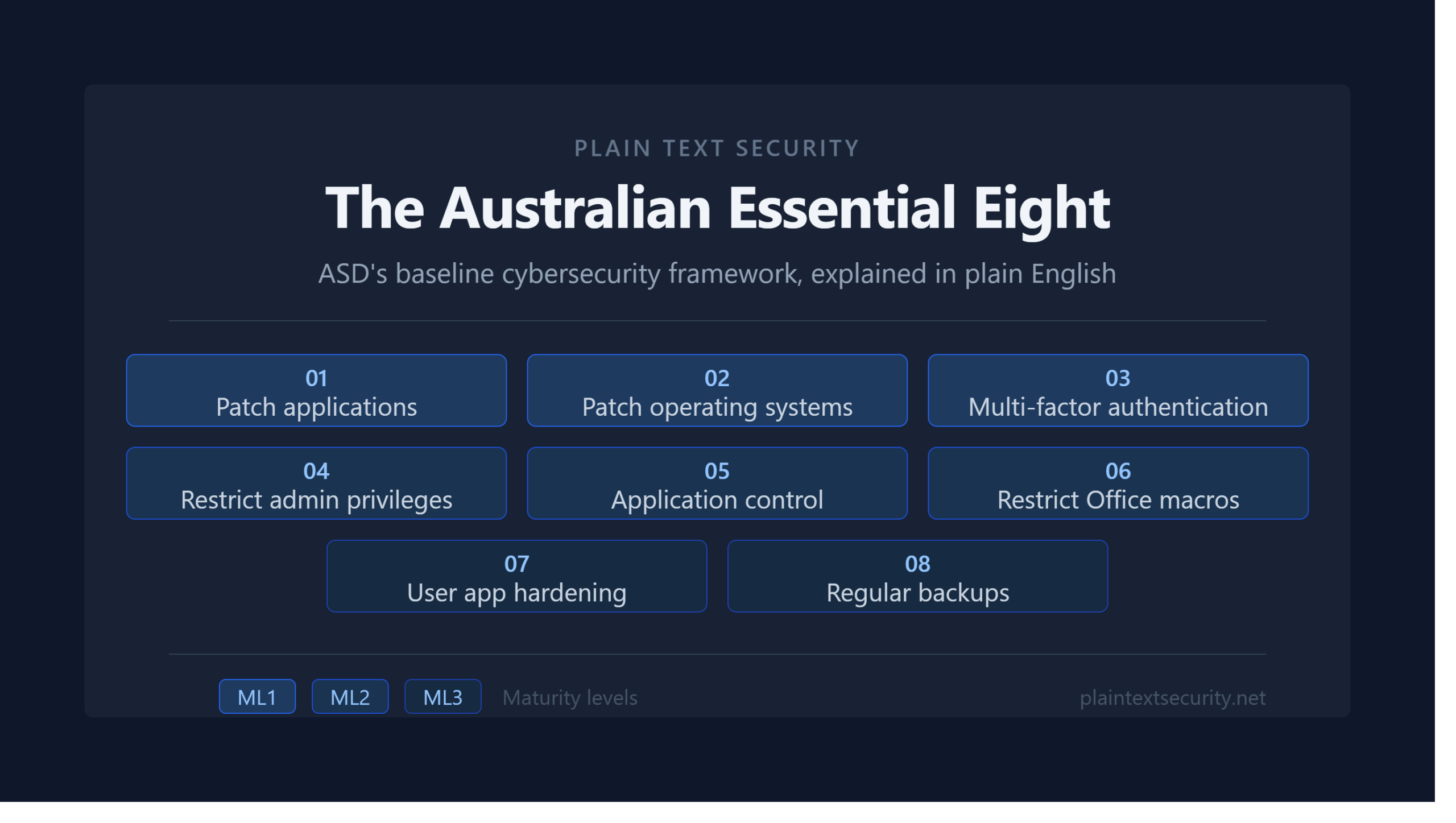
Here’s what the Essential Eight actually covers:
1. Patch Applications Keep your software up to date. Sounds basic. In practice, most organisations have applications running months or years behind on patches, and attackers know it.
2. Patch Operating Systems Same principle, applied to the operating system layer. Windows, Linux, macOS — all need timely patching. Extreme risk vulnerabilities should be patched within 48 hours under the framework.
3. Multi-Factor Authentication (MFA) Require a second factor — not just a password — to access systems, particularly for remote access, privileged accounts, and cloud services. This single control stops a huge proportion of credential-based attacks.
4. Restrict Administrative Privileges Limit who has admin access, and ensure that admin accounts are only used for admin tasks. Most ransomware incidents are significantly worse because attackers got hold of an account with broad administrative rights.
5. Application Control Only allow approved applications to run on your systems. This stops malicious executables — including many forms of ransomware — from running even if they make it onto a machine.
6. Restrict Microsoft Office Macros Macros in Office documents are a common delivery mechanism for malware. The control requires restricting which macros can run and from where.
7. User Application Hardening Disable or configure risky features in browsers and other user-facing applications — things like web ads (a vector for malvertising), Flash (largely gone now), and Java in browsers.
8. Regular Backups Maintain regular, tested backups of important data, configurations, and software. When — not if — something goes wrong, this is what gets you back online.
The Maturity Levels
The Essential Eight isn’t a binary pass/fail framework. Each control is assessed against four maturity levels: ML0 through ML3.
| Maturity Level | What It Means |
|---|---|
| ML0 | Not implemented, or implemented so poorly it provides no meaningful protection |
| ML1 | Basic implementation targeting opportunistic attackers — the automated, low-effort attacks that scan the internet looking for easy targets |
| ML2 | More consistent implementation targeting attackers willing to invest time and effort into compromising your specific organisation |
| ML3 | Comprehensive implementation targeting sophisticated, targeted threat actors — including those with significant resources and capability |
Most Australian government agencies are required to target ML2 as a minimum. Many private sector organisations use ML1 as a starting point and work toward ML2 over time.
The honest reality: a large proportion of Australian organisations — including some that claim compliance — are sitting at ML0 or ML1 on several controls when you look closely. Patching in particular tends to be worse in practice than it looks on paper.
What the Maturity Levels Look Like in Practice
It’s one thing to read the definitions. Here’s what the maturity levels actually look like when you’re living them:
Patching at ML1 means you’re patching most things within 30 days. At ML2, it’s within two weeks for most applications and 48 hours for extreme risk vulnerabilities. At ML3, you have automated patching, continuous vulnerability scanning, and a process for identifying and remediating anything that can’t be patched.
MFA at ML1 means you’ve turned it on for internet-facing services. At ML2, it covers all remote access and privileged accounts. At ML3, phishing-resistant MFA (hardware keys or passkeys — not SMS codes) is in place for everything sensitive.
Application control at ML1 means you have a list of approved applications and a basic mechanism to enforce it. At ML3, you have controls across user and admin devices, with logging and alerting when something tries to run outside the approved list.
The jump from ML1 to ML2 is where most organisations struggle. It requires consistency — not just having a policy, but actually enforcing it everywhere, including the exceptions that always seem to be in place for legacy systems and “business-critical” applications that nobody wants to touch.
Does the Essential Eight Apply to Your Organisation?
Formally, the Essential Eight is mandatory guidance for non-corporate Commonwealth entities — federal government agencies and their suppliers in many cases. State government requirements vary by jurisdiction.
For private sector organisations, it’s not legally mandatory — but it’s increasingly expected. You’ll see it referenced in:
- Government contract requirements
- Cyber insurance underwriting questionnaires
- Board-level risk reporting
- Due diligence processes in M&A
If you’re a small business with no government contracts and no regulatory requirements, the Essential Eight is still a useful framework for prioritising your security spend. ML1 across all eight controls is achievable for most organisations and eliminates the attacks that catch most small businesses off guard.
Where to Start
If you’re new to the Essential Eight, this is the order I’d prioritise:
- MFA first. It’s the highest-impact control for the effort involved, and modern tools make it easier than ever to deploy. If you do nothing else, do this.
- Patching second. Get visibility into what you’re running and how out of date it is. You may be surprised. Tools like Tenable, Qualys, or even free options like OpenVAS can give you a quick picture.
- Restrict admin privileges third. Audit who has admin rights on your systems. Remove or reduce anything that isn’t strictly necessary. This one tends to cause the most internal friction, but it’s worth it.
- Backups fourth — but only if you don’t already have them. If you have no tested backups, this jumps to number one.
The ASD publishes detailed implementation guidance for each control at cyber.gov.au. It’s dry reading, but it’s authoritative and free.
A Practitioner’s Note
The Essential Eight is a good framework. It’s not perfect — it’s heavily Windows-centric, it doesn’t cover everything, and the maturity level assessments can be gamed by organisations that want to tick boxes rather than actually improve their security posture.
But as a prioritisation tool for organisations trying to make sense of where to focus limited security resources, it’s genuinely useful. Implementing it properly — not just on paper — will put your organisation ahead of the majority of Australian businesses.
If you’re trying to assess where your organisation sits or build a roadmap toward a target maturity level, feel free to get in touch. It’s the kind of problem I work on professionally.
This article was written by a CISO-level practitioner with experience implementing the Essential Eight across both public and private sector organisations in Australia. For official guidance, refer to the Australian Cyber Security Centre at cyber.gov.au.