EDR Buyer’s Guide: How to Choose an EDR Solution That Actually Fits Your Organisation
Most EDR buyer’s guides start with a list of vendors. This one doesn’t — and that’s deliberate.
I’ve sat on the buying side of EDR procurement more than once, with real budgets and real consequences. And the single biggest lesson from those processes is this: the vendor matters less than your fit with it. The product that’s genuinely excellent for a 40-person hybrid SOC can be an expensive disaster for a three-person IT team running a Windows-only estate. Same product. Same capabilities. Completely different outcome.
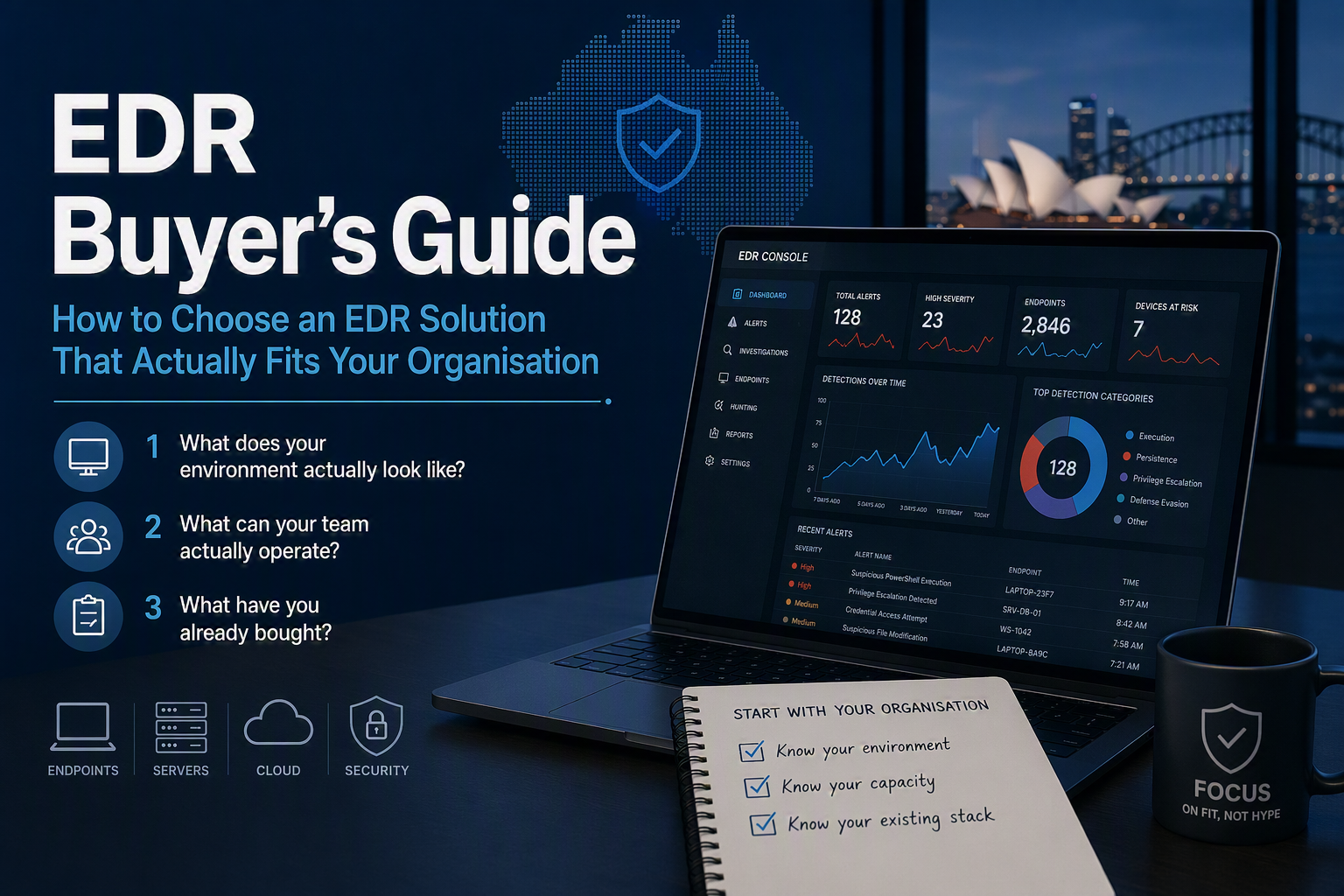
So before you open a single vendor website, request a single demo, or read a single analyst quadrant, you need honest answers to three questions about your own organisation:
- What does your environment actually look like?
- What can your team actually operate?
- What have you already bought?
This guide works through each in turn, then covers how to run the evaluation itself. If you answer these three questions honestly, your shortlist mostly builds itself — and you’ll walk into vendor conversations knowing exactly what you’re testing for.
Question 1: What does your environment actually look like?
Your operating system mix decides your shortlist before anything else does. This is the least glamorous selection criterion and the most frequently skipped — usually because the person running the evaluation assumes “we’re a Windows shop” without actually checking.
If you’re genuinely Windows-dominant, you have the widest field. Every serious EDR product treats Windows as its first-class citizen. Detection coverage, agent stability, feature completeness — Windows gets it all first, and often exclusively. If your estate is 95%+ Windows endpoints and Windows servers, almost any credible product will cover you technically, and your decision will be made on the other two questions.
If you have a meaningful Linux or macOS fleet, the field narrows immediately — and vendor marketing will not tell you this. Nearly every vendor claims Linux and macOS support. The reality underneath that claim varies enormously:
- Feature parity. “Supported” often means telemetry collection only — detection logic, response actions, and behavioural analytics that work beautifully on Windows may be partial or absent on other platforms. Ask specifically which detection and response capabilities exist per platform, not whether an agent installs.
- Agent quality. Linux agents in particular have a chequered history across the industry: kernel module dependencies, distribution support lag, performance impact on high-throughput servers. If your Linux fleet runs production workloads, agent stability is a genuine operational risk, not a checkbox.
- Distribution and version coverage. If you’re running anything outside the mainstream — older RHEL, unusual distributions, ARM workloads — check support explicitly and get it in writing.
Servers and cloud workloads are a different question from endpoints. EDR grew up on laptops and desktops. Protecting Linux servers, container hosts, and cloud workloads is increasingly folded into the same platforms (usually badged as CWPP or “cloud workload protection”), but the maturity gap between a vendor’s endpoint agent and their workload protection can be significant. If servers are a big part of your risk surface, evaluate that capability on its own merits — don’t assume endpoint excellence transfers.
Don’t forget the awkward corners. OT and IoT devices, legacy systems that can’t take an agent, VDI environments, and mobile fleets all sit outside classic EDR coverage. You don’t necessarily need one product to cover everything — but you need to know, before you buy, what your chosen product won’t see, so those gaps are conscious decisions rather than surprises during an incident.
The practical exercise: pull an actual inventory before you shortlist. Count endpoints by OS and version, servers by platform, and workloads by location. An afternoon with your asset management data (or, honestly, discovering you don’t have reliable asset data — itself a finding worth acting on) will do more to shape your shortlist than a week of reading vendor comparisons.
Question 2: What can your team actually operate?
Here’s the uncomfortable truth that vendor demos are designed to obscure: an excellent EDR with nobody watching it is a very expensive log collector.
EDR is not a fire-and-forget control. It generates alerts that need triage, detections that need tuning, and incidents that need response. The product’s ceiling is set by its capabilities; its floor — the value you actually get — is set by your team’s capacity to operate it. Be brutally honest about which of these profiles you are:
You have a small or generalist team (0–2 people with security in their job description, alongside everything else). You will not be tuning detection rules. You will not be writing custom queries. Alerts raised at 2am on Saturday will be read on Monday. None of this is a criticism — it’s the operating reality of most Australian small and mid-sized organisations. For you, the honest answer is almost always a managed offering: MDR (managed detection and response), where the vendor or a partner monitors the telemetry, triages the alerts, and either responds directly or wakes you up only when it matters. Buying unmanaged EDR in this profile is how organisations end up breached with the alert sitting unread in the console — a pattern that appears in incident reports with depressing regularity.
You have a dedicated security function but limited depth (a few analysts, business-hours coverage, some tuning capability). You’re in the genuinely hard middle ground. Options worth weighing:
- Co-managed models — you handle business hours, a provider covers nights and weekends. Increasingly common and often the best value in this profile.
- Unmanaged EDR with ruthless scoping — viable only if you commit to tuning discipline and accept the coverage gap outside business hours. Quantify that gap honestly against your threat model.
- Full MDR with internal escalation — frees your team to work on engineering and hardening rather than triage.
You have a mature SOC (24/7 or near it, detection engineering capability, incident response muscle). You’re the buyer the unmanaged products are actually built for. Your evaluation criteria shift toward depth: query language power, API quality, custom detection authoring, telemetry retention and searchability, and how well the product serves as a platform for your engineers rather than a console for your analysts.
Two traps to avoid in this section of your thinking:
- Don’t buy for the team you plan to hire. Procurement decisions made against an aspirational org chart fail when the hiring doesn’t happen — and in the current Australian security talent market, it frequently doesn’t. Buy for the team you have; upgrade the model when the team actually changes.
- Don’t confuse “we could” with “we will.” Yes, your sysadmin could learn the query language and tune detections. Will they, alongside everything else on their plate? The gap between capability and capacity is where EDR value quietly dies.
Question 3: What have you already bought?
No EDR decision happens in a vacuum. Your existing tooling, licensing, and vendor relationships create gravity — and pretending otherwise leads to shelfware and integration pain.
The Microsoft licensing question deserves honest treatment, because it dominates this decision for a huge share of Australian organisations. If you already hold (or are moving to) Microsoft 365 E5 or E5 Security licensing, you already own an EDR product. That changes the economics of the entire evaluation: every competitor is no longer competing on capability alone, but on capability delta over something you’ve already paid for. Sometimes that delta is real and worth paying for — platform coverage, detection depth in your specific environment, or operational fit can all justify it. Sometimes it isn’t, and the honest answer is to deploy what you own properly rather than buy a second product to leave the first one idle. A buyer’s guide that pretends this gravity well doesn’t exist isn’t being straight with you. Run the comparison genuinely; don’t let either the incumbent’s convenience or the challenger’s demo decide it for you.
Your SIEM and SOC tooling shape integration requirements. If you have an established SIEM, the EDR needs to feed it cleanly — check connector quality, telemetry export costs (some vendors charge meaningfully for getting your own data out), and whether the integration is first-party and maintained or a community connector of uncertain lineage. If you don’t have a SIEM, note that several EDR platforms are expanding into that territory — which might be a consolidation opportunity, or might be a lock-in play, depending on your appetite.
Your identity stack matters more than it used to. Modern intrusions move through identity as much as endpoints — token theft, session hijacking, MFA fatigue. EDR products increasingly integrate identity telemetry and response (some can disable a compromised account, not just isolate a host). How well a product integrates with your identity provider is now a genuine selection criterion, not a nice-to-have.
Count the switching costs honestly — in both directions. If you’re replacing an incumbent EDR, the migration has real costs: agent replacement across the fleet, detection tuning rebuilt from scratch, team retraining, and a coverage-risk window during transition. Those costs are an argument for staying only if the incumbent is actually serving you. Sunk cost is not ecosystem fit. Equally, be realistic that whatever you choose now will itself have switching costs later — contract terms, data export, and proprietary detection content all affect how trapped you’ll be in three years.
The Australian lens: Essential Eight, sovereignty, and government-adjacent buyers
EDR and the Essential Eight (and its successor). EDR is not itself one of the Essential Eight mitigation strategies, but it materially supports several — and as the ASD transitions the framework toward the Essentials series, detection and response capability is only becoming more central to how Australian organisations are expected to demonstrate security maturity. In practice, EDR telemetry is also how many organisations evidence controls like application control violations and restricted admin privilege use. If you’re building against the framework, it’s worth reading our Essential Eight explainer alongside this guide.
Data sovereignty: know where your telemetry lands. EDR agents ship rich telemetry — process trees, file metadata, sometimes file contents — to the vendor’s cloud. Ask every vendor, specifically: is there an Australian region? Is all processing done there, or does analysis route through offshore infrastructure? What does the contract actually commit to? For many commercial organisations this is a risk-tolerance question; for government and critical infrastructure it can be a hard requirement.
Government and gov-adjacent buyers: check IRAP status early. If you operate in or sell into Australian government, whether a vendor’s offering has been IRAP-assessed (and at what classification level) can rule products in or out before any capability discussion. Verify current assessment status directly with the vendor and against ASD’s published information — assessments are point-in-time and scope-specific, and marketing pages routinely blur this.
Support reality for Australian hours. Ask where the vendor’s follow-the-sun support actually sits during AEST business hours, and whether local partner ecosystems (for MDR delivery, deployment, and incident response retainers) exist in practice or only on the partner-locator page.
Putting it together: from three answers to a shortlist
Here’s how the three questions translate into a decision structure:
| Your profile | What dominates the decision | What you’re shopping for |
|---|---|---|
| Windows-dominant, small/generalist team, no SIEM | Team capacity | MDR — the monitoring service matters more than the underlying agent |
| Mixed OS estate, small dedicated team | Environment + capacity | Platform parity first, then managed or co-managed delivery |
| Windows-dominant, mature SOC, existing Microsoft E5 | Ecosystem | Honest delta assessment: challenger capability vs deploying what you own |
| Mixed estate incl. Linux servers, mature SOC, established SIEM | Environment + ecosystem | Platform depth, telemetry quality, integration and export economics |
| Gov or gov-adjacent, any size | Australian lens | IRAP status and sovereignty as gate criteria before capability |
Your row won’t match these exactly — the point is the method. Answer the three questions, and the shortlist criteria fall out of the answers. Notice what’s absent from every row: brand preference, analyst quadrant position, and whichever vendor most recently bought your team lunch.
A note on price: I’ve deliberately left pricing until last, because it’s the least useful early filter. EDR pricing is opaque, heavily negotiated, and varies with fleet size, module selection, and managed service scope. Get to a shortlist of two or three genuine fits first, then let them compete commercially — you’ll get better pricing from a competitive process between suitable products than from filtering on list price up front.
Then run the evaluation properly
Once your shortlist exists, the work shifts from strategy to interrogation: proof-of-value structure, the questions that expose weak answers, and how to test detection quality against your own environment rather than the vendor’s demo lab. That’s a discipline of its own, and we’ve covered it in detail separately — see How to Evaluate an EDR Vendor: The Questions That Actually Matter, which is the companion piece to this guide. This article gets you to the right shortlist; that one gets you to the right answer from it.
And if you’re earlier in the maturity journey and wondering whether EDR is even the right next investment — it sits within a broader architecture conversation. Our Zero Trust explainer covers where detection and response fit in that bigger picture.
The bottom line
There is no best EDR. There’s the best EDR for a Windows-heavy estate with a two-person team and E5 licensing, and it’s a different product from the best EDR for a hybrid environment with a 24/7 SOC and a Splunk investment. Any guide — or any vendor — that names you a winner before asking about your environment, your team, and your existing stack is answering a question they never asked.
Do the inventory. Be honest about your team’s capacity. Count the gravity of what you already own. The shortlist that falls out of those three answers will serve you better than any ranking ever will.
Plain Text Security earns affiliate commissions from some products we link to. This article contains no affiliate links — our recommendations here, as everywhere, are based on practitioner experience. Read our full affiliate disclosure.